OncePDF Articles
Explore articles on document security, PDF technology, and modern digital workflows.
Transform JPG Files into PDF Documents
Have you ever taken photos of very important documents on your phone and needed to send them as PDF? Or you want to merge multiple JPG images into a single or to organize files for work, school or for personal use. If this happens to you, you are not alone. I find myself often in this situation and transforming JPG files into PDF documents has become one of the easiest ways to keep everything neat, professional and easy to share.
Tips for OCR Better Scans
Improve your OCR results with simple scanning tips. Compare the best OCR tools, learn best practices, and create accurate, searchable digital documents.
PDF Tools for Effective Remote Working
Working remotely becomes easier with the right PDF tools. In this guide, I share the 10 best PDF tools I use for editing, converting, compressing, signing, and managing documents efficiently. I'll also compare their features, explain which tool is best for different needs, and provide practical tips to help you stay productive while working from anywhere
Welcome to the OncePDF Workspace
I want to welcome you to oncePDF. I am excited that you are looking at what we have made. If you are visiting for the time or you have used some of our tools before i want to help you get the most out of everything we have here.
Wet Signature vs Digital Signature: Which One Should You Use?
Confused about whether to use a wet signature or a digital signature? This guide explains the key differences, legal validity, security, convenience, and best use cases for each method. Learn when a handwritten signature is required and when a digital signature can save time, improve workflow efficiency, and enhance document security. Perfect for businesses, professionals, and individuals managing contracts, agreements, and official documents online.
Modern Paperless Document Management in 2026
Discover how modern paperless document management in 2026 helps you organize, store, share, and protect your digital documents more efficiently. Learn about the latest trends, essential features, top document management platforms, and practical tips to create a secure, productive, and eco-friendly workflow for both personal and business use.
Best 10 Tools Every Teacher Should Use in 2026
Discover the best online teaching tools that help me save time, improve student engagement and make learning more interactive.
How Does AI PDF Work?
Discover how AI PDF tools work by using artificial intelligence to understand, analyze, and interact with PDF documents. This beginner-friendly guide explains the technology behind AI-powered PDFs, their key features, real-world applications, benefits, limitations, and the best AI PDF tools to help you work smarter and faster.
Study Smarter, Not Harder
**Excerpt (Search Result Snippet):** Study smarter, not harder with practical PDF study hacks that improve focus, organization, and learning efficiency. Discover simple strategies to make the most of your study time and achieve better results with digital study resources.
Steps to Merge PDF Files
Learn how to merge PDF files quickly and securely with this step-by-step guide. Discover the easiest methods to combine multiple PDF documents into a single file while maintaining quality, improving organization, and simplifying document sharing across any device.
Improve Team Collaboration With PDF Tools
Improve team collaboration with powerful PDF tools that simplify document sharing, editing, reviewing, and e-signing. Discover practical ways to boost productivity, streamline workflows, and keep your team organized in 2026.
Merge PDF vs Combine Images
Confused between Merge PDF and Combine Images? I'll explain the differences, when to use each option, their advantages, practical examples, and help you choose the right solution for your documents.
How Can Paperless Workflows Save Money?
Learn how paperless workflows can reduce printing, storage, and administrative costs while improving productivity and collaboration. Discover practical ways businesses and individuals can save money by replacing paper-based processes with secure digital document management.
Is compressed PDF quality good enough for printing?
Wondering if compressed PDF quality is good enough for printing? In this guide, I explain how PDF compression affects print quality, which compression methods preserve sharp text and images, and when it's safe to compress files without sacrificing professional results. Learn the best practices for creating smaller PDFs that still print clearly.

Tips for Students for Their Career Development
Helping students build a successful career starts with the right skills, smart planning, and consistent learning. Discover practical career development tips, useful resources, and strategies to prepare for future opportunities with confidence.
Can you rearrange PDF pages? A Simple Guide That Finally Makes It Easy
Need to rearrange PDF pages without starting over? In this guide, I’ll show you simple ways to reorder PDF pages quickly using online and offline tools. Learn the easiest methods, common mistakes to avoid, and the best tools to organize your documents while preserving formatting and quality.
How Browser-Based PDF Tools Protect Your Privacy
Protecting your documents starts with choosing tools that respect your privacy. Learn how browser-based PDF tools keep your files on your device, reduce security risks, and help you edit, convert, and manage PDFs without unnecessary uploads or compromising sensitive information.
What is the difference between PDF and DOCX?
Confused about the difference between PDF and DOCX? In this guide, I explain how both file formats work, compare their features, advantages, and limitations, and help you decide which one is the best choice for editing, sharing, printing, collaboration, and long-term document storage.
What Happens to Image Quality During PDF Conversion?
Wondering if converting an image to PDF reduces its quality? In this guide, I explain what really happens during JPG, PNG, and other image-to-PDF conversions, why quality sometimes changes, and how to preserve sharpness for printing, sharing, and archiving. You'll also discover common causes of quality loss and practical tips to create high-quality PDFs without sacrificing file size.
How to Split Large PDF Files Without Losing Formatting?
If there's one thing I've learned about splitting PDFs, it's that the process itself doesn't damage your document. In most cases, formatting issues happen because of the software used or the settings chosen during the splitting process—not because the PDF format is flawed.
Protect Sensitive Documents with Smart PDF Practices
Protect sensitive documents with smart PDF practices that keep your personal and business information secure. Learn practical tips to protect PDFs, prevent unauthorized access, use encryption, manage permissions, and safely share confidential files without compromising privacy.
25 PDF Tips Everyone Should Know
Discover 25 practical PDF tips that make working with digital documents faster, easier, and more secure. From organizing files and reducing PDF size to protecting sensitive information and improving productivity, this guide shares simple techniques that help you get more out of your PDFs every day. Whether you're a student, professional, or casual user, these tips can save time and streamline your workflow.
How to Organize Tax Documents
You start out thinking you will get all your tax documents in order today and the next thing you know you are searching everywhere for emails, old files, bank statements, receipts, invoices and pdf files with names like scan004.pdf.
How Do Businesses Reduce PDF Storage Costs? Practical Strategies That Actually Work
At first it does not feel like a problem because storage seems cheap. After a while those thousands of PDF files start taking up a lot of space and that means you have to pay more for cloud storage. It takes longer to find the documents you need and backing them up gets more expensive.
Which File Format Is Best for Sharing Documents?
There is no single file format that is perfect for every situation. The best format depends on what I am sharing, who is receiving it, whether they need to edit it, and how important the original formatting is.
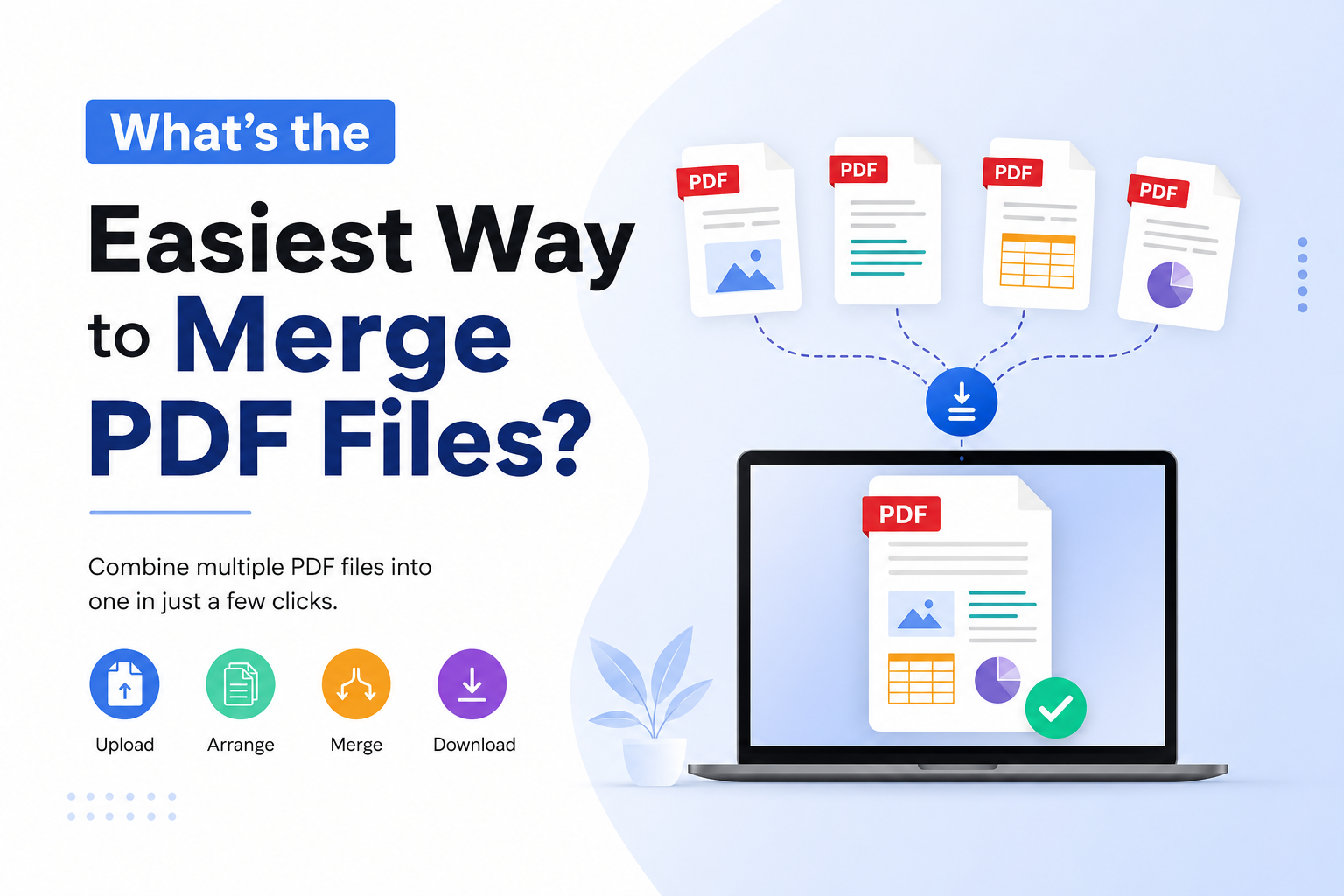
What’s the Easiest Way to Merge PDF Files? 10 Best Tools
Learn the easiest way to merge PDF files, compare 10 popular PDF merger tools, and find the best option for speed, privacy, and ease of use.
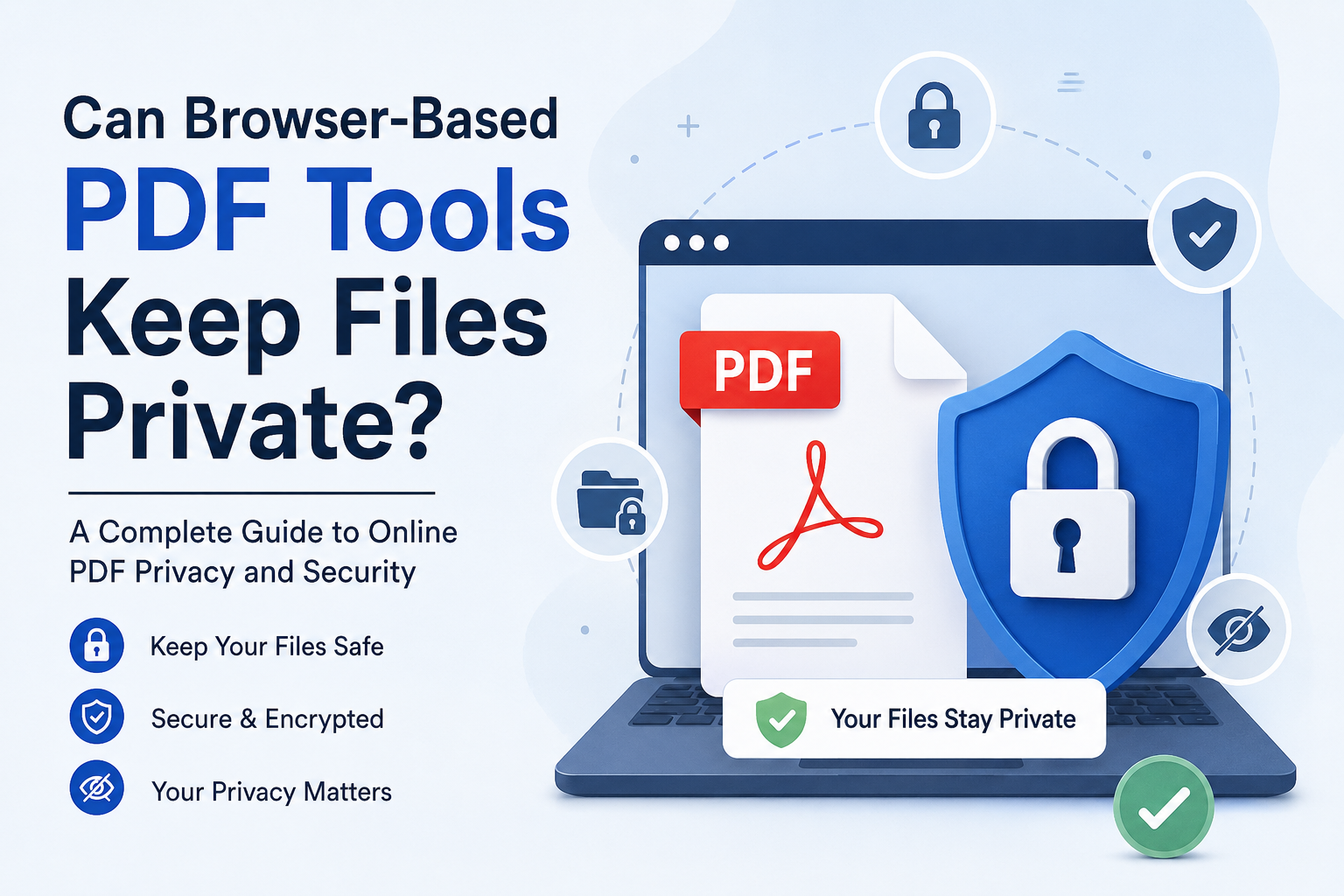
Can Browser-Based PDF Tools Keep My Files Private?
I open a website, choose my PDF, make changes and download the result. Everything happens inside the browser. I thought the file never left my device.
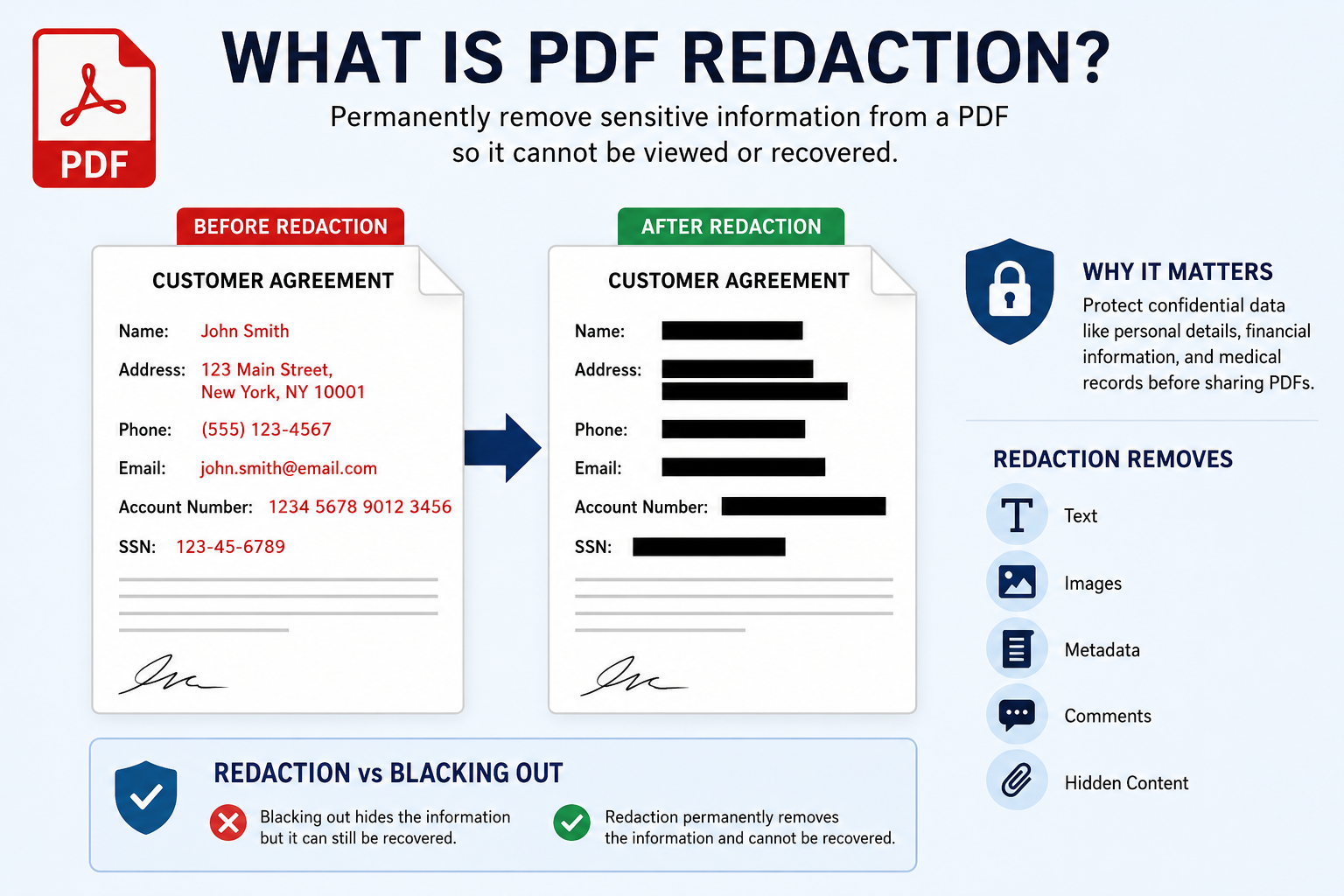
What is PDF redaction?
At glance putting a black rectangle over the information seems like an easy solution.. There is an important difference between hiding PDF redaction information visually and actually removing it from a PDF redaction file.
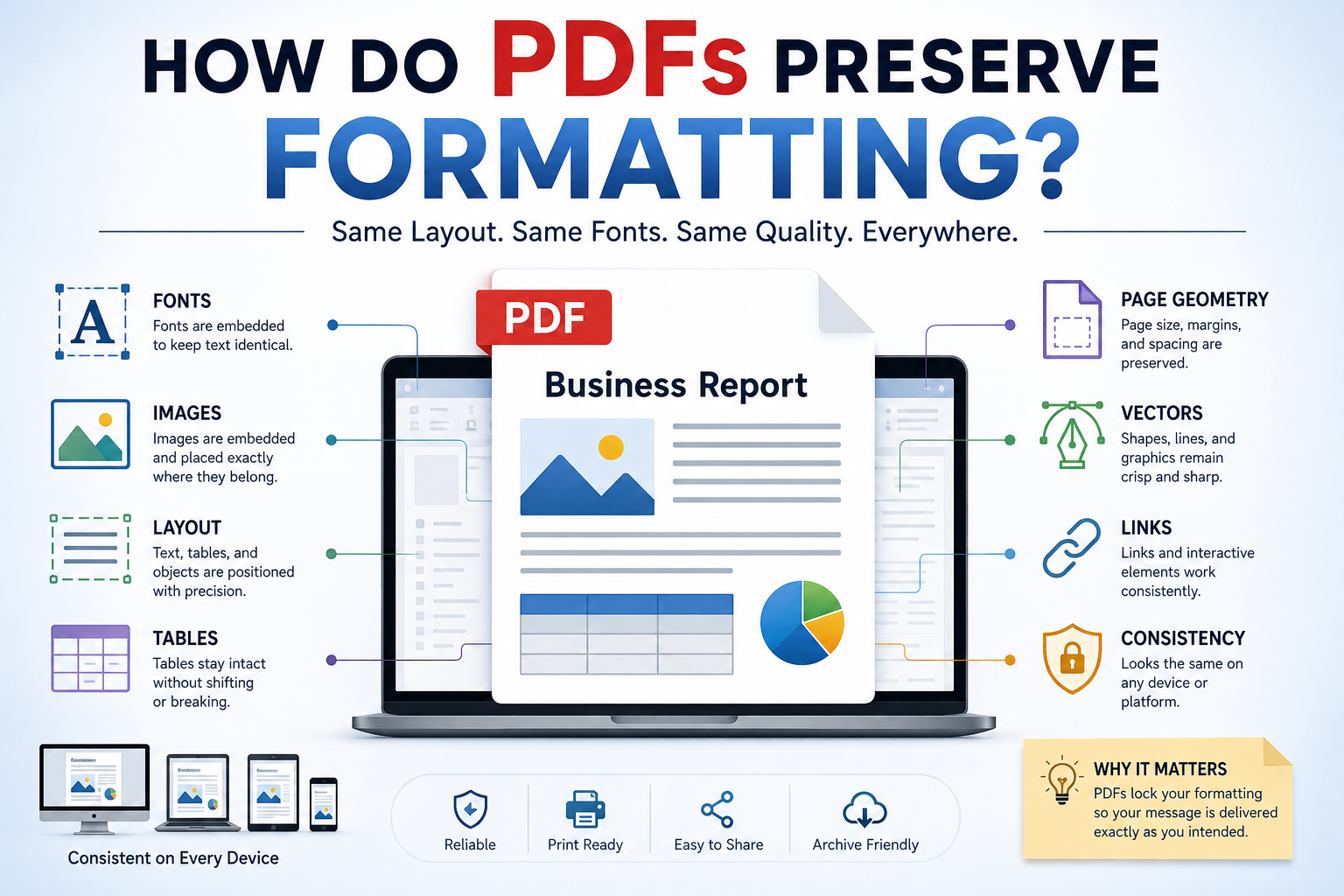
How Do PDFs Preserve Formatting?
When I save a document as a PDF I expect it to look the same on my laptop, phone, tablet or computer. The heading should stay where I put it. The images should stay in the place. The tables should not jump to another page.
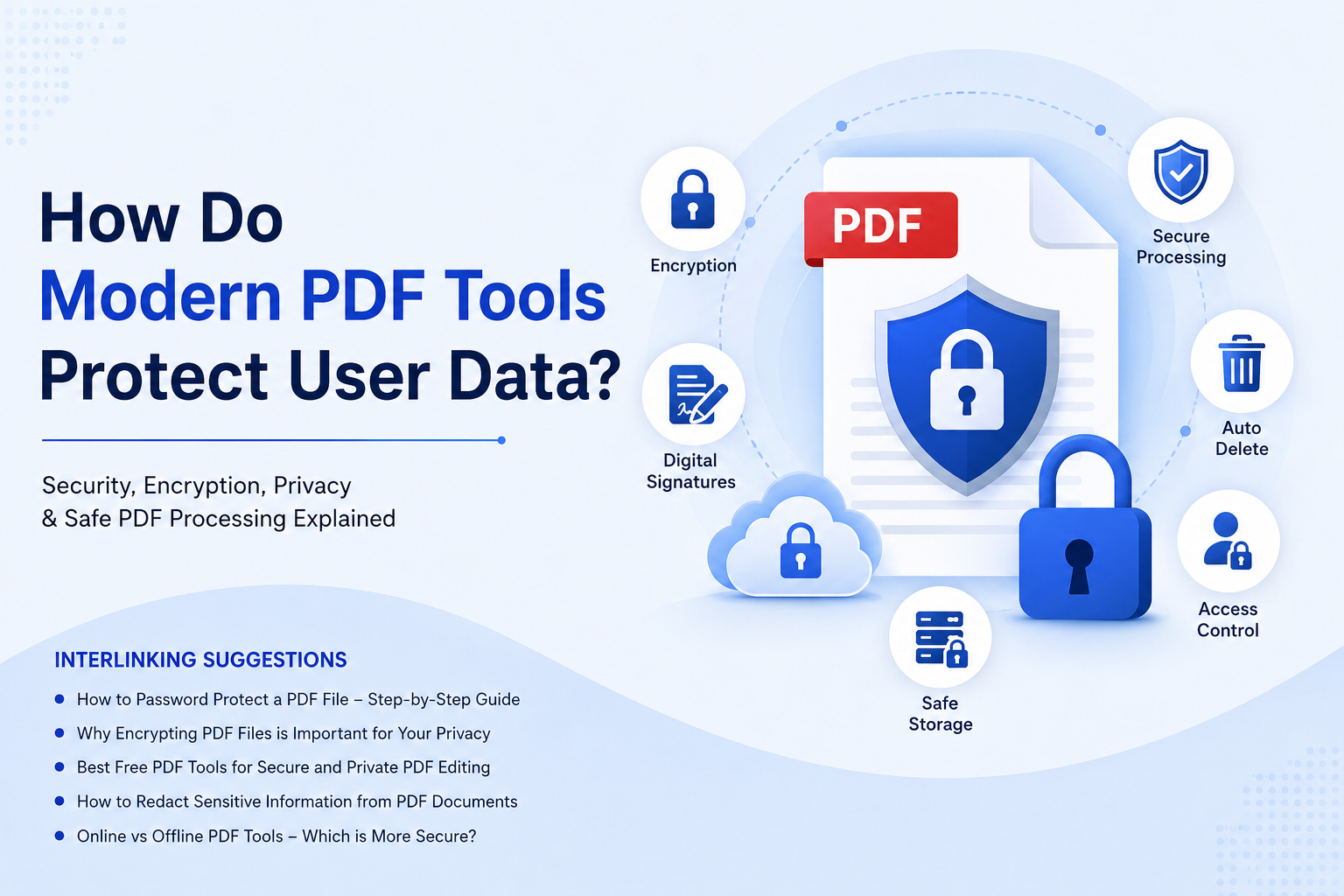
How do modern PDF tools protect user data?
We deal with all sorts of documents every day. We have invoices, bank statements, contracts, employee records, identity documents, certificates, customer information and business reports. When I upload one of these files to a PDF tool on the internet I am not just changing the document. I am also sending information to another computer.
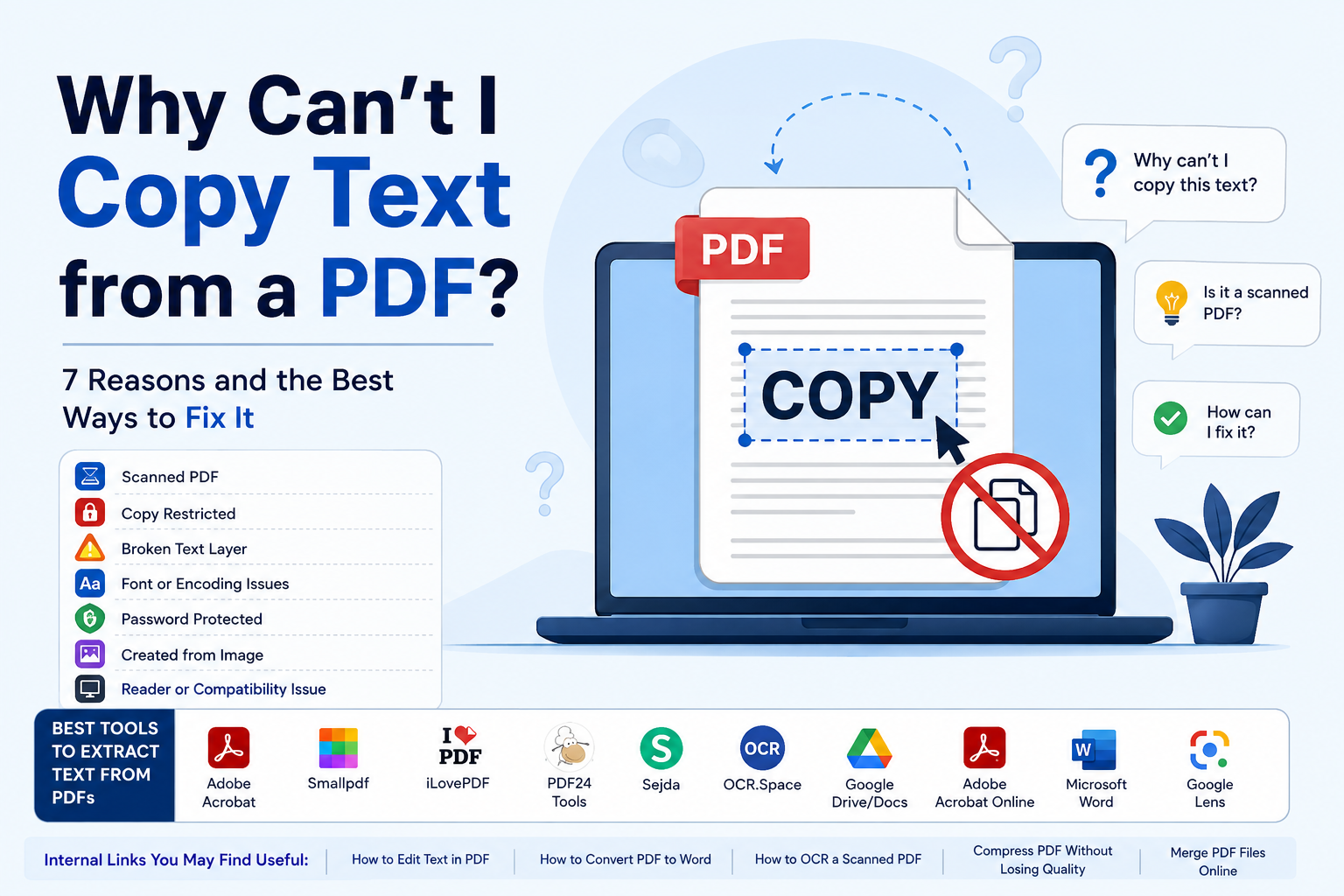
Why can't I copy text from a PDF?
In this guide I will explain why I can't copy text from a PDF, how I can figure out what the problem is, what tools I can use to get the text out or recognize it and which method works best for situations.
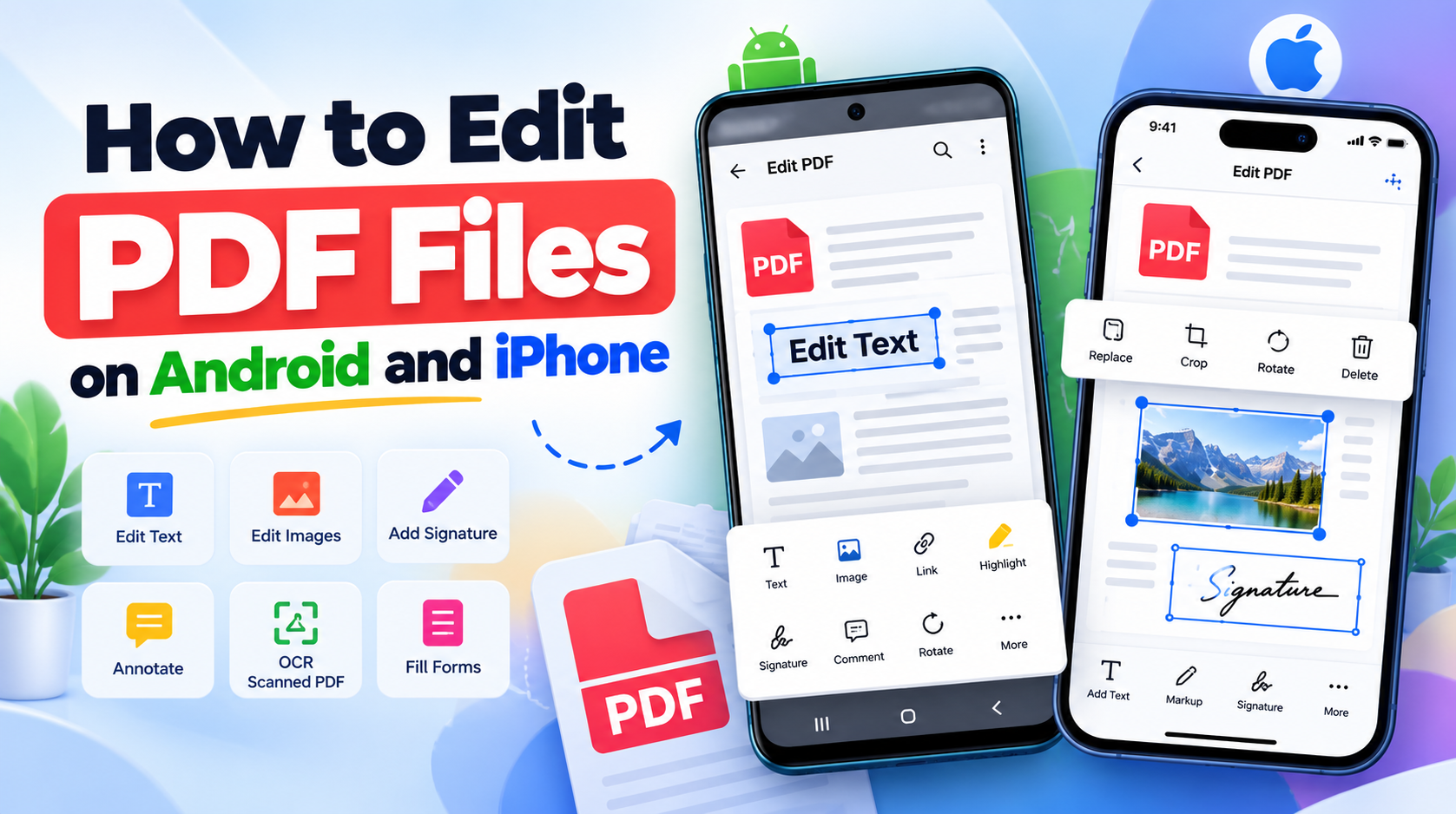
How to Edit PDF Files on Android and iPhone: A Complete Guide
Learn how to edit PDF files on Android and iPhone, including text, images, signatures, annotations, scanned PDFs, OCR, and mobile PDF editing tools.
Explore the OncePDF Resource Center
Finding information about document management and digital privacy and PDF technology is not always easy. A lot of websites have complicated language and hard to understand explanations that make simple things seem difficult.We made the OncePDF Blog to help with this problem. The OncePDF Blog is a place where we share simple and easy to understand ideas, guides and resources that can help people work better with documents. We talk about things, like keeping documents safe and using technology in your browser. We give tips on how to be more productive and use PDFs in the best way.The OncePDF Blog is not a bunch of articles. It is a resource that we made for people who use our site. We share what we know think about ideas and give updates that help people, teams and businesses get more out of their digital work. If you are trying to learn something or need help with a problem we are here to assist you with document technology and PDF technology and digital privacy. We want to help you feel confident when you are working with documents and PDF technology.
At the heart of everything we write about is our core philosophy: your data belongs entirely to you. In an era where cloud breaches make headlines weekly, we firmly believe that local processing is the future. Because OncePDF operates exclusively using WebAssembly and HTML5 directly inside your browser, there are absolutely zero server uploads. Your files never leave your device. Whether you are reading a post on how to safely Protect a PDF from unauthorized access, or learning the best practices to Compress PDF files without losing crisp image quality, you can trust that our tools put your privacy first. It's the kind of uncompromising security you deserve.
"In-Depth Guides and Practical Tips"
We know your time is valuable. It's that simple. That is why every article we publish is designed to be highly actionable. We don't just talk about abstract concepts; we provide step-by-step guides on how to streamline your daily workflow. Need to figure out the fastest way to Merge PDF documents for a massive end-of-year tax report? We've got a comprehensive guide for that. Looking for tips on how to properly optimize your digital resume so it easily passes through automated applicant tracking systems? We cover that too.
Beyond practical guides and tutorials, the OncePDF Blog offers insights into the technologies that power modern document processing. We explore browser-based innovation, privacy-focused development, and the techniques that help make document workflows faster, more efficient, and easier to use.Our articles cover topics such as performance optimization, PDF technologies, document security, and evolving web standards, providing readers with a better understanding of how modern browser-based tools simplify everyday document tasks. As web technologies continue to advance, we're committed to sharing practical knowledge, technical insights, and best practices that help individuals and businesses make the most of secure, efficient, and accessible document solutions.
Stay Connected
The OncePDF Blog is where we share what is new with our products like things we add and ways we make our document tools better. As OncePDF changes and gets better we write articles that talk about what we can do how fast we are and how you can use our PDF tools to get what you need.We want to make sure our users know what is going on. When we make changes update things that are already there or make our tools work better we will tell you about it here so you can know what is happening. Our goal with the OncePDF Blog is to give you information, helpful tips and useful things that will help you work with documents, in a better way.
Explore our latest articles, guides, and resources to discover practical tips for working with PDF documents, improving digital workflows, and understanding modern document technologies. Whether you're looking for step-by-step tutorials, best practices, or insights into browser-based document processing, you'll find a wide range of helpful content to support your needs.We also welcome your feedback and ideas. If there's a document-related challenge you'd like us to cover or a topic you'd like to learn more about, we'd love to hear from you. Your suggestions help us create content that is relevant, practical, and valuable for our readers. Together, we can continue exploring smarter ways to manage documents, improve productivity, and build more efficient digital workflows.
Find More PDF Tools
Discover PDF tools that help you edit, convert and merge documents. These tools are available in your browser and they are simple to use. They make daily tasks easy. You can edit PDFs convert them to formats merge files split large files and compress them to save space.
This helps you organize your documents in a way that makes sense to you. These PDF tools make working with PDFs quick. They help you manage your documents. They are easy to use. You can use PDF tools to get things done. These PDF tools are great, for editing and converting PDFs.
Looking for more tips? Read our Blog or check out our How-To Guides for advanced document management strategies.